![[object Object]](https://s3.us-west-2.amazonaws.com/worklenz.com/assets/worklenz-light-mode.png)
![[object Object]](https://s3.us-west-2.amazonaws.com/worklenz.com/assets/worklenz-dark-mode.png)
How to import a task template
In the Worklenz you can create a task template using any task and easily reuse that template entire project
If you want to use the created template,
- Go to the Create Task button located in top left corner
- Click arrow and click Import Task button
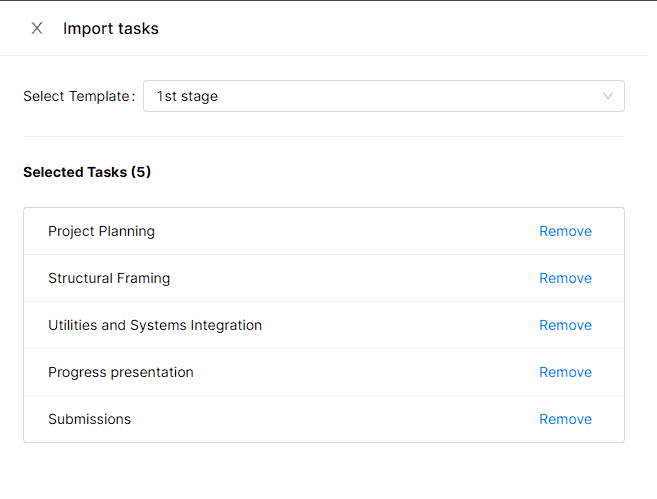
- It will open Task import drawio
- You can search the task template name given textbox
- Select the wanted task template
- Click Import button