![[object Object]](https://s3.us-west-2.amazonaws.com/worklenz.com/assets/worklenz-light-mode.png)
![[object Object]](https://s3.us-west-2.amazonaws.com/worklenz.com/assets/worklenz-dark-mode.png)
How to create a task template
If you want to create reusable tasks, Worklenz gives you the chance to create a task template. You can create a task template using any task and easily reuse that template entire project
First, you should select wanted tasks.
- Then you can see option bar appear at the bottom of the page.
- Click the three dots on the right side of this bar
- click Create Task Template option
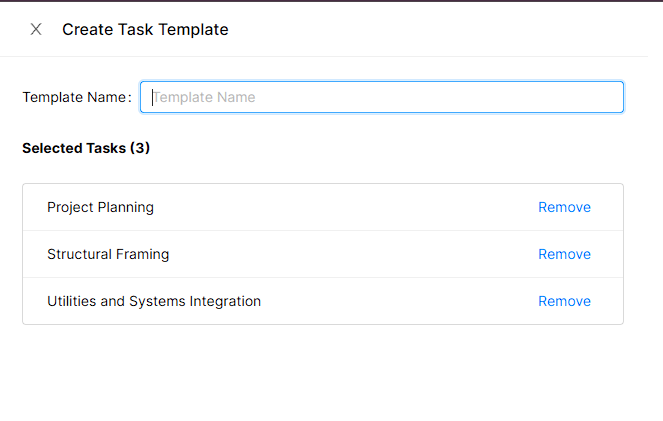
- It will open a new Create Task Template Drawio
- In that drawio, you have to see your selected task. If you want to remove any task, it can be done easily with the given Remove button
- Give the name of your task template
- Click the save button