![[object Object]](https://s3.us-west-2.amazonaws.com/worklenz.com/assets/worklenz-light-mode.png)
![[object Object]](https://s3.us-west-2.amazonaws.com/worklenz.com/assets/worklenz-dark-mode.png)
How to setup My account
Let’s start your Worklenz account
Setup an account of Worklenz
1. Give the name of your organization
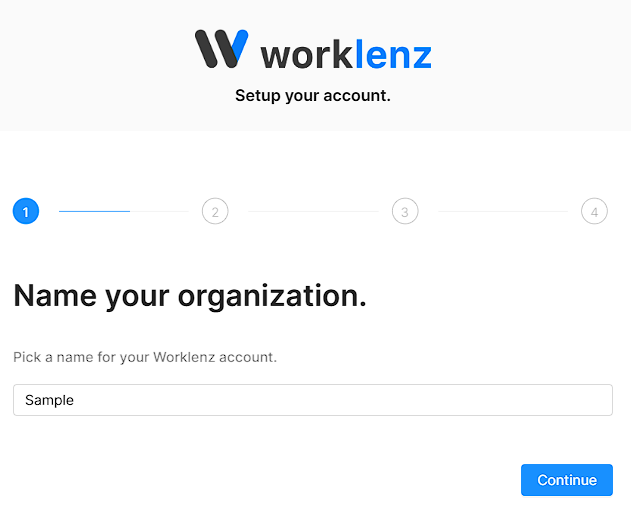
continue to go next step
2. Create your first project:
- You can start a new project
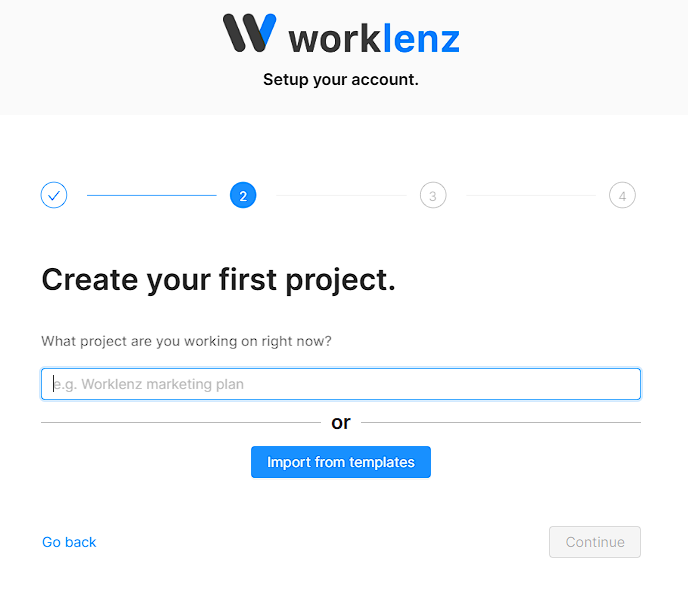
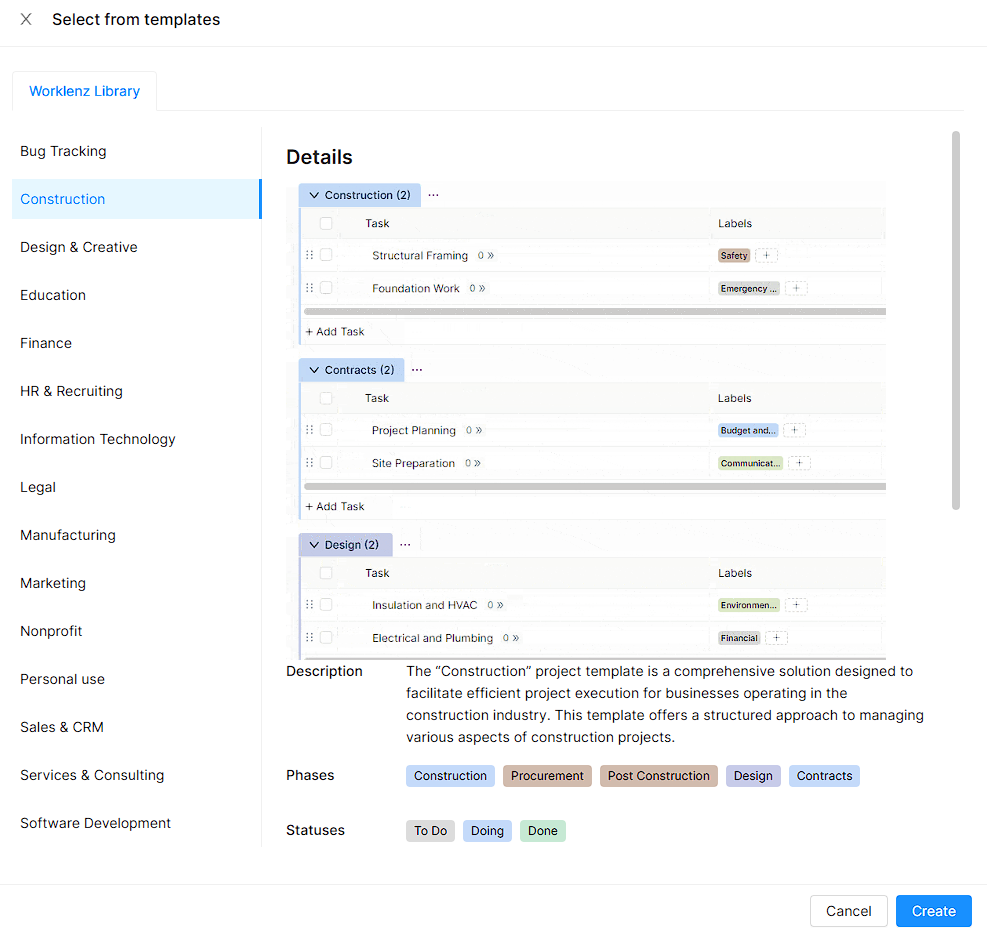
- You can use a template for it
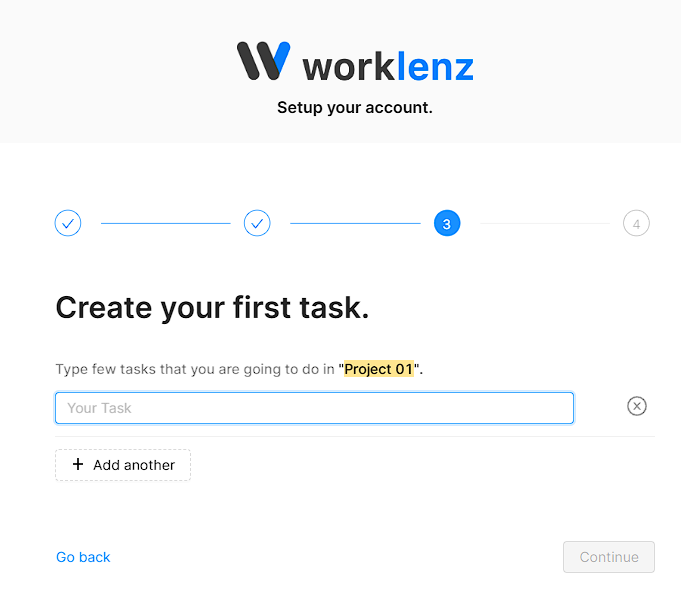
3. Create your first Task.
Give your first task name also you can add multiple tasks using add another button
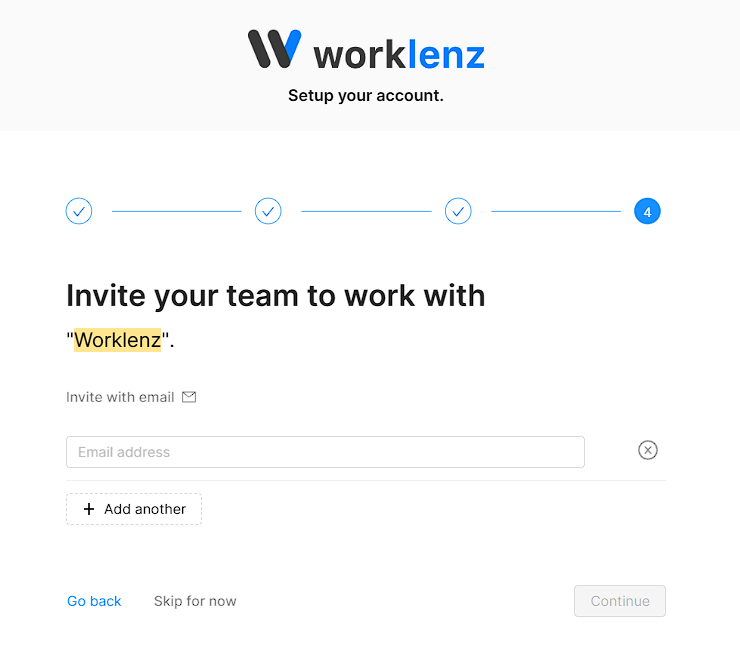
4. Finaly you can invite your team members .
Using email address have to invite multiple team members using add another button or skip this step using skip button
Your correctly crate your workspace and it rederect your worklenz workspace.