![[object Object]](https://s3.us-west-2.amazonaws.com/worklenz.com/assets/worklenz-light-mode.png)
![[object Object]](https://s3.us-west-2.amazonaws.com/worklenz.com/assets/worklenz-dark-mode.png)
View insight per project
In Worklenz, you can view insights for each project using three different views:
- Overview
- Member Wise
- Task Wise
Overview
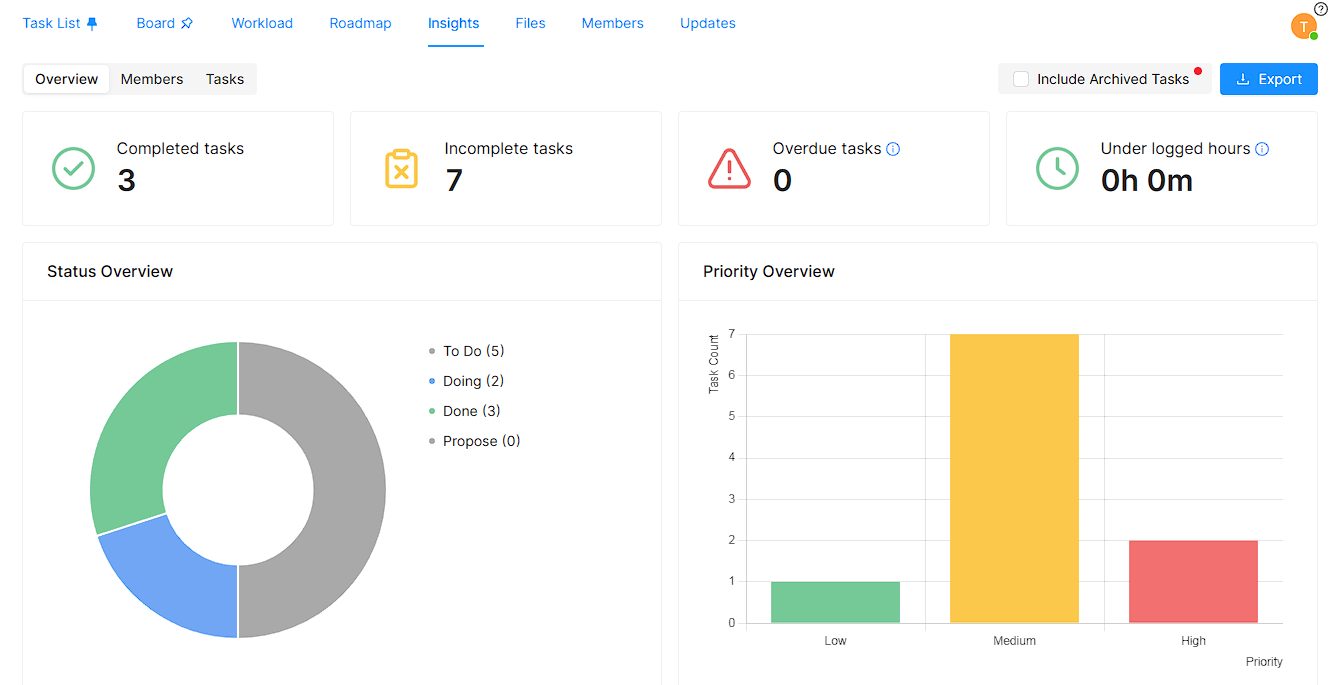
In the overview, you can see a summary of all tasks in the project.
At the top, you can see Completed tasks, Incompleted tasks, Overdue tasks, and Under logged hours counts.
- Status Overview - This pie chart shows how your tasks are distributed across different statuses.
- Priority Overview - This bar chart shows how your tasks are distributed across Low, Medium, and High priorities.
- Last Updated Tasks - This table shows recently updated tasks and their details.
- Project Deadline - This table shows task deadline data, including how many tasks are overdue and the overdue hours.
Member Wise
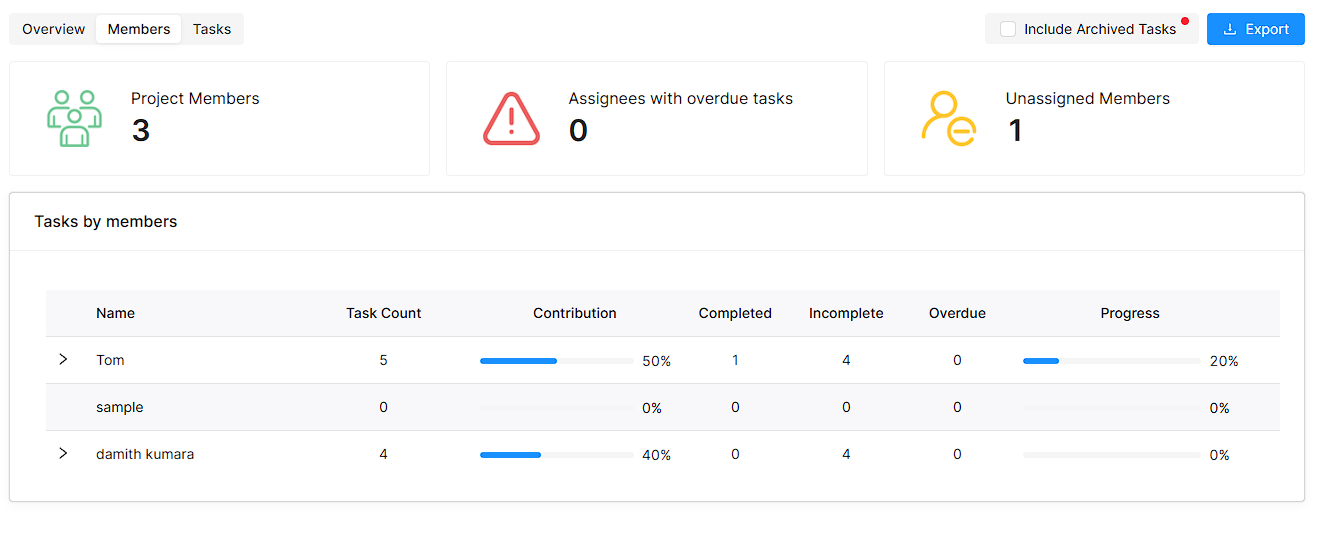
This view provides a summary of all members assigned to the project.
At the top, you can see Project Members, Assignees with overdue tasks, and Unassigned Members counts.
The Tasks By Members table shows how tasks are distributed among the members. You can expand each member’s row to see the specific tasks assigned to that member.
Task Wise
This view provides a detailed breakdown of all tasks in the project.
At the top, you can see Completed tasks, Incompleted tasks, Overdue tasks, and Under logged hours counts.
- Overdue Tasks - This table shows overdue task details.
- Overlogged Tasks - This table shows tasks where logged time exceeds the estimated time.
- Tasks completed early - This table shows tasks that were completed before their deadline.
- Tasks completed late - This table shows tasks that were completed after their deadline.
You can get an overall idea about your project, tasks, and members from these views. If you want to Export the project overview, use the Export button. To include archived tasks in the report, check the Include Archived Task option.