![[object Object]](https://s3.us-west-2.amazonaws.com/worklenz.com/assets/worklenz-light-mode.png)
![[object Object]](https://s3.us-west-2.amazonaws.com/worklenz.com/assets/worklenz-dark-mode.png)
Manage files
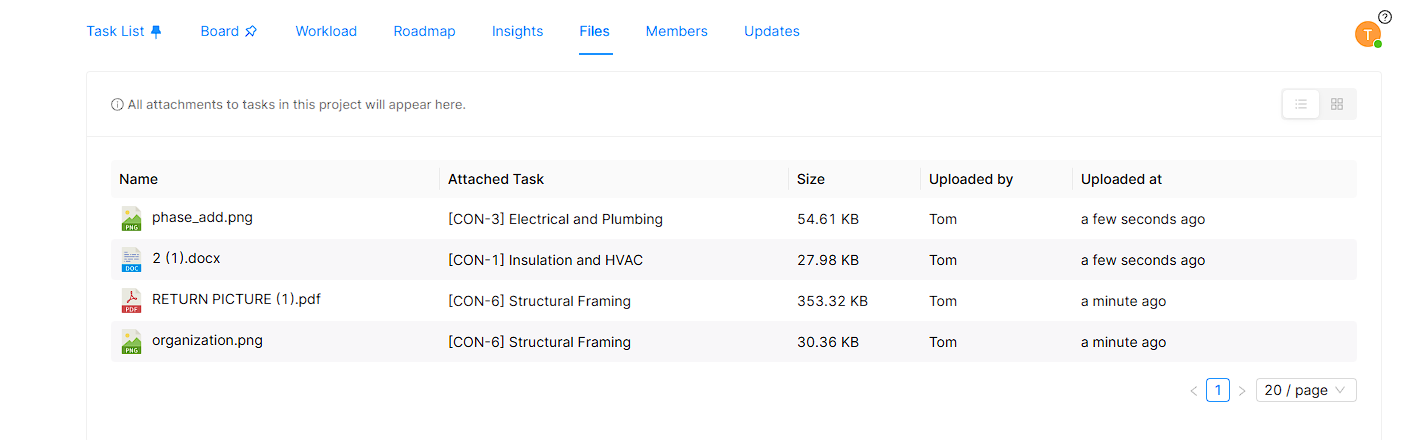
The Files section inside a project lists all the files attached to tasks within that project. This gives you a central place to quickly access any file without having to navigate to individual tasks.
You can upload any format of file as long as it is attached to a task. The files section displays the following details for each file:
- File name
- Attached task
- File size
- Uploaded by
- Upload time
You can also Download or Delete files directly from this section.